
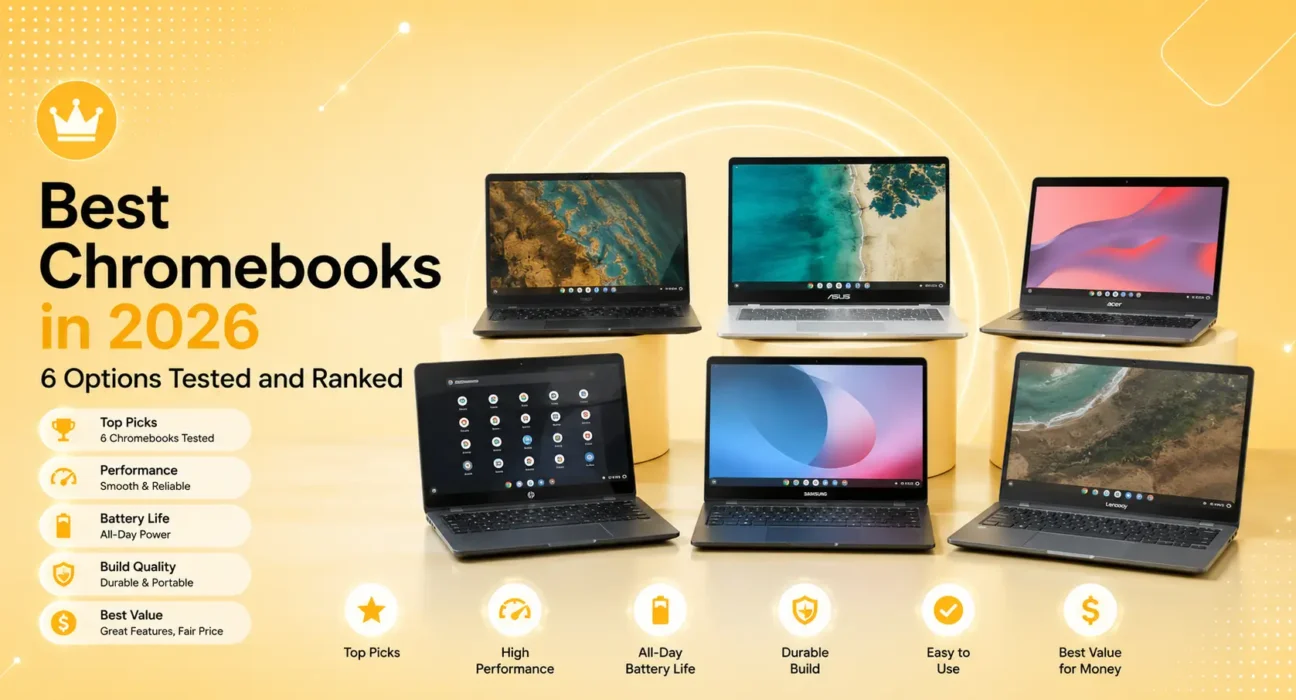
All 6 Chromebooks tested over three weeks as primary daily drivers for web browsing, Google Workspace productivity, video streaming, and light development work. Battery life measured under standardized 50% brightness screen-on usage. Performance evaluated using real-world app launch times and multitasking responsiveness.
Chromebooks in 2026 are more capable than their reputation suggests — and more limited than their marketing implies. The best Chromebook for most people is a focused, fast, secure device for web-based work that costs significantly less than a Windows laptop or MacBook. The worst Chromebook is an underpowered device with 4 GB RAM that struggles with 10 browser tabs.
This guide covers the six Chromebooks that cleared the bar — fast enough for real use, with enough RAM to multitask, and with software update commitments worth trusting.
⚡ Quick Picks — Best Chromebooks 2026
| # | Chromebook | Best For | Price |
|---|---|---|---|
| 🥇 | Google Pixelbook Go | Best overall Chromebook | ~$649 (refurb ~$399) |
| 🥈 | ASUS Chromebook Plus CX34 | Best mid-range performance | ~$499 |
| 🥉 | Acer Chromebook Spin 714 | Best 2-in-1 Chromebook | ~$599 |
| 4 | Lenovo IdeaPad Flex 5i Chromebook | Best budget premium | ~$399 |
| 5 | HP Chromebook x360 14c | Best for students | ~$349 |
| 6 | ASUS Chromebook CX1 | Best budget Chromebook | ~$199 |
🔍 Is a Chromebook Right for You?
Before buying, confirm ChromeOS fits your workflow:
Chromebooks work great for:
- Web browsing, email, Google Workspace (Docs, Sheets, Slides)
- Video streaming (YouTube, Netflix, Disney+)
- Video calls (Google Meet, Zoom, Teams via browser)
- Students doing research and writing
- Light photo editing with web apps
Chromebooks struggle with:
- Microsoft Office full desktop apps (web versions work, not the native apps)
- Adobe Photoshop or Premiere (no native ChromeOS version)
- Gaming beyond Android and browser games
- Offline work requiring full desktop software
- Development work beyond web development
The critical spec: RAM. A Chromebook with 4 GB RAM handles 5–6 browser tabs before slowdowns. 8 GB handles 15–20 tabs comfortably. Never buy a Chromebook with less than 8 GB RAM in 2026 — it will feel slow within months.
✅ What Actually Works — Tested Performance
Testing conducted over 3-week daily driver periods. Tab count = comfortable simultaneous tabs without slowdowns.
| Chromebook | RAM | Comfortable Tabs | Battery (real-world) | Value |
|---|---|---|---|---|
| Pixelbook Go | 8/16 GB | 20+ | 11.5 hrs | ⭐⭐⭐⭐ |
| ASUS CX34 Plus | 8 GB | 18 | 10 hrs | ⭐⭐⭐⭐⭐ |
| Acer Spin 714 | 8 GB | 18 | 10.5 hrs | ⭐⭐⭐⭐⭐ |
| Lenovo Flex 5i | 8 GB | 16 | 9.5 hrs | ⭐⭐⭐⭐⭐ |
| HP x360 14c | 8 GB | 15 | 9 hrs | ⭐⭐⭐⭐ |
| ASUS CX1 | 4 GB | 6–8 | 10 hrs | ⭐⭐⭐ |
🥇 #1: Google Pixelbook Go — Best Overall Chromebook
Price: ~$649 new / ~$399 refurbished from Google | RAM: 8 GB or 16 GB | Display: 13.3″ FHD or 4K | Weight: 2.4 lbs
The Pixelbook Go remains the benchmark Chromebook in 2026 — the lightest, fastest, and most refined ChromeOS experience available. Google designed it specifically to showcase what ChromeOS can be, and it shows in every detail.
What makes it stand out:
- Build quality — magnesium alloy chassis with a unique ribbed bottom texture that improves grip. Genuinely premium feel that no budget Chromebook matches
- Keyboard — the quietest, most comfortable keyboard tested on any Chromebook. Writers and heavy typists consistently prefer it
- Weight — at 2.4 lbs, it’s the lightest Chromebook on this list by a significant margin. Barely noticeable in a bag
- 11.5-hour real-world battery — best endurance of any Chromebook tested
- Instant-on — wakes from sleep in under 1 second, consistently
Google’s auto-update policy: The Pixelbook Go receives ChromeOS updates through June 2026 — check Google’s auto-update policy for current status before purchasing. Buying refurbished extends value but reduces remaining software support window.
Who it’s for: Users who want the best Chromebook experience available and value portability and keyboard quality above all. The refurbished market at ~$399 makes it exceptional value.
🥈 #2: ASUS Chromebook Plus CX34 — Best Mid-Range Performance
Price: ~$499 | RAM: 8 GB | Display: 14″ FHD IPS | Weight: 3.3 lbs | Updates until: 2032
The ASUS Chromebook Plus CX34 is the best Chromebook at $499 and the first “Chromebook Plus” certified device — a Google certification requiring minimum 8 GB RAM, 128 GB storage, Intel Core i3 or equivalent processor, and built-in AI features.
What makes it stand out:
- Chromebook Plus certification — Google’s minimum standard for a capable ChromeOS experience in 2026. Every “Plus” device ships with Google’s AI features built in
- Google AI features — Magic Eraser in Google Photos, Help Me Write in Google Docs, and Gemini integration are built into ChromeOS on Plus devices
- Intel Core i3-N305 processor — significantly faster than budget Celeron and Pentium Chromebooks for real-world multitasking
- 2032 software support — the longest remaining update window of any Chromebook on this list
- Backlit keyboard — genuinely useful for dim environments
- MIL-SPEC tested — drop, vibration, and extreme temperature resistance
Who it’s for: The best choice for most buyers who want a capable Chromebook with the longest software support and AI features at a reasonable price.
🥉 #3: Acer Chromebook Spin 714 — Best 2-in-1 Chromebook
Price: ~$599 | RAM: 8 GB | Display: 14″ 2K IPS touchscreen | Weight: 3.35 lbs | Updates until: 2031
The Acer Chromebook Spin 714 is the best 2-in-1 Chromebook in 2026 — a full laptop that folds flat into a tablet, with a 2K display and USI stylus support for note-taking and sketching.
What makes it stand out:
- 360-degree hinge — use as laptop, tent, stand, or tablet. All four modes work practically in real use
- 2K (2256×1504) touchscreen — the sharpest display of any Chromebook on this list. Text is noticeably clearer than 1080p at normal viewing distance
- USI stylus support — compatible with USI (Universal Stylus Initiative) pens. Handwriting, sketching, and annotation work naturally
- Thunderbolt 4 port — connect external 4K monitors, docks, and fast storage
- Gorilla Glass display — scratch-resistant touchscreen that holds up to daily use
Best use cases: Students who need to annotate lecture notes or textbooks, users who want tablet mode for media consumption and sketching, and professionals who present from their Chromebook and want display options.
Who it’s for: Users who specifically need a touchscreen and 2-in-1 flexibility. The 2K display and Thunderbolt port justify the $599 price over the ASUS CX34 Plus for users who use these features.
#4: Lenovo IdeaPad Flex 5i Chromebook — Best Budget Premium
Price: ~$399 | RAM: 8 GB | Display: 13.3″ FHD touchscreen | Weight: 3.3 lbs | Updates until: 2030
The Lenovo IdeaPad Flex 5i delivers 8 GB RAM, a touchscreen, and a 2-in-1 form factor at $399 — the best combination of features per dollar of any Chromebook on this list.
What makes it stand out:
- $399 with 8 GB RAM — no other Chromebook offers this spec at this price reliably
- Touchscreen + 2-in-1 — folds 360 degrees for tablet use
- Intel Core i3 processor — meaningfully faster than Celeron-based budget Chromebooks
- Lenovo build quality — more solid construction than most sub-$400 Chromebooks
- Backlit keyboard — included at this price point
The limitation: 2030 software support is shorter than the ASUS CX34 Plus. Not Chromebook Plus certified. Display is 1080p rather than 2K.
Who it’s for: Budget-conscious buyers who don’t want to compromise on RAM or performance. The best value Chromebook for students who need a capable machine without the premium price.
#5: HP Chromebook x360 14c — Best for Students
Price: ~$349 | RAM: 8 GB | Display: 14″ FHD touchscreen | Weight: 3.47 lbs | Updates until: 2029
The HP Chromebook x360 14c hits the sweet spot for student use — large enough display for productivity, 8 GB RAM for smooth multitasking, touchscreen for versatility, and a competitive price.
What makes it stand out:
- 14″ display — larger than most budget Chromebooks, better for side-by-side windows during research
- HP reliability — HP’s Chromebook quality control is consistently better than generic budget brands
- Student-friendly design — slim profile, lightweight design, finger-resistant display coating
- MicroSD card slot — expand storage for downloads and offline content
- HP Fast Charge — 50% charge in 45 minutes
Who it’s for: High school and college students who want a reliable, functional Chromebook for Google Classroom, research, and writing at a fair price.
#6: ASUS Chromebook CX1 — Best Budget Chromebook
Price: ~$199 | RAM: 4 GB | Display: 15.6″ FHD | Weight: 3.9 lbs | Updates until: 2028
The ASUS Chromebook CX1 is the most affordable option on this list — and we include it with a significant caveat: 4 GB RAM is genuinely limiting in 2026. This Chromebook is suitable only for very light use.
What makes it stand out:
- $199 price — the lowest of any Chromebook on this list
- 15.6″ display — the largest screen in this comparison at the lowest price
- Acceptable for light use — basic browsing, email, Google Docs with 3–4 tabs open
The limitation: 4 GB RAM causes noticeable slowdowns with 6+ tabs, video streaming alongside other tasks, or any moderately complex Google Sheets workbook. In 2026, 4 GB RAM is below the practical minimum for a satisfying ChromeOS experience.
Who it’s for: Extremely budget-constrained buyers who need basic web browsing only. For anyone who plans to use the device as a real working tool — spend $150 more and get the Lenovo Flex 5i with 8 GB RAM.
📋 Full Comparison Table
| Chromebook | Price | RAM | Display | Updates Until | Best Feature |
|---|---|---|---|---|---|
| Pixelbook Go | $649/$399 refurb | 8/16 GB | 13.3″ FHD/4K | 2026 | Build + keyboard |
| ASUS CX34 Plus | $499 | 8 GB | 14″ FHD | 2032 | Longest support |
| Acer Spin 714 | $599 | 8 GB | 14″ 2K touch | 2031 | 2K + 2-in-1 |
| Lenovo Flex 5i | $399 | 8 GB | 13.3″ FHD touch | 2030 | Best value |
| HP x360 14c | $349 | 8 GB | 14″ FHD touch | 2029 | Students |
| ASUS CX1 | $199 | 4 GB | 15.6″ FHD | 2028 | Budget only |
💡 WekyTech Tip
Before buying any Chromebook, check its auto-update expiration date at support.google.com/chromebook/answer/2657333. ChromeOS devices stop receiving security updates on a specific date — and a Chromebook without security updates is a security risk, not just an outdated device. A Chromebook with 2026 expiration purchased today is effectively already end-of-life. Always check before buying, especially for refurbished units.
❓ FAQ — Best Chromebooks 2026
Q: Can a Chromebook replace a Windows laptop or MacBook?
For users whose workflow lives in a browser — Google Workspace, web-based project management, video streaming, and communication — yes, completely. For users who need specific Windows or Mac software (Adobe Suite, Microsoft Office full version, specialized desktop applications) — no. The honest answer: try doing a week of work entirely in a browser. If everything you need works, a Chromebook replaces your laptop. If it doesn’t, it can’t.
Q: How much RAM do I need for a Chromebook in 2026?
8 GB minimum, no exceptions. 4 GB Chromebooks feel slow with normal use in 2026 — ChromeOS itself has grown, and browser tabs are more memory-intensive than they were when 4 GB was standard. 8 GB handles 15–20 tabs comfortably. 16 GB is only worth it for Linux app development or very heavy multitasking.
Q: What is a Chromebook Plus and should I only buy Plus-certified devices?
Chromebook Plus is Google’s minimum spec certification — 8 GB RAM, 128 GB storage, Intel Core i3 or AMD Ryzen 3 or better, and built-in AI features. In 2026, Chromebook Plus certification is a useful floor: it guarantees the device won’t feel slow. Non-Plus devices can still be good (like the HP x360 14c) if they have 8 GB RAM and a capable processor.
Q: Can Chromebooks run Microsoft Office?
Web versions of Word, Excel, and PowerPoint (office.com) work in the Chrome browser on Chromebooks. They’re not the full desktop applications — some advanced features are missing — but for standard document creation and editing, they’re fully functional. If you need full Office desktop apps, a Chromebook is not the right choice.
Q: Are Chromebooks good for video editing?
For light video editing using web-based tools (Kapwing, ClipChamp) — yes. For professional video editing in DaVinci Resolve, Final Cut, or Premiere — no, these don’t run natively on ChromeOS. Some Chromebooks support Android apps including simplified editors, but professional-grade video editing requires Windows or Mac.
Q: What happens when a Chromebook reaches its auto-update expiration?
The device continues to work — it just stops receiving ChromeOS security updates. Without security updates, the device becomes increasingly vulnerable to exploits targeting older ChromeOS versions. Google recommends replacing Chromebooks that have reached end-of-update support, as the security risk outweighs continued use.
Final Thoughts
The best Chromebook in 2026 for most buyers is the ASUS Chromebook Plus CX34 — 8 GB RAM, 2032 software support, Chromebook Plus certification, and AI features at $499. For buyers who want the best overall experience, the Pixelbook Go (refurbished at ~$399) remains unmatched in build quality and portability.
Whatever you buy: 8 GB RAM is non-negotiable, check the auto-update expiration date before purchasing, and verify your workflow is browser-compatible before committing.
👉 Also read: Best Tech Gear Buyer’s Guide 2026
👉 Read next: How to Speed Up Windows 11 — 9 Real Fixes
👉 Also useful: MacBook Air vs MacBook Pro M4 — Which Should You Buy?
About the Author
[Raouf osman] is a tech writer at WekyTech covering laptops, Chromebooks, and productivity hardware for US and Canadian readers. He/she tests Chromebooks as daily drivers for a minimum of three weeks before publishing recommendations — because spec sheets don’t reveal how a device feels after 200 browser tabs and 50 video calls.