
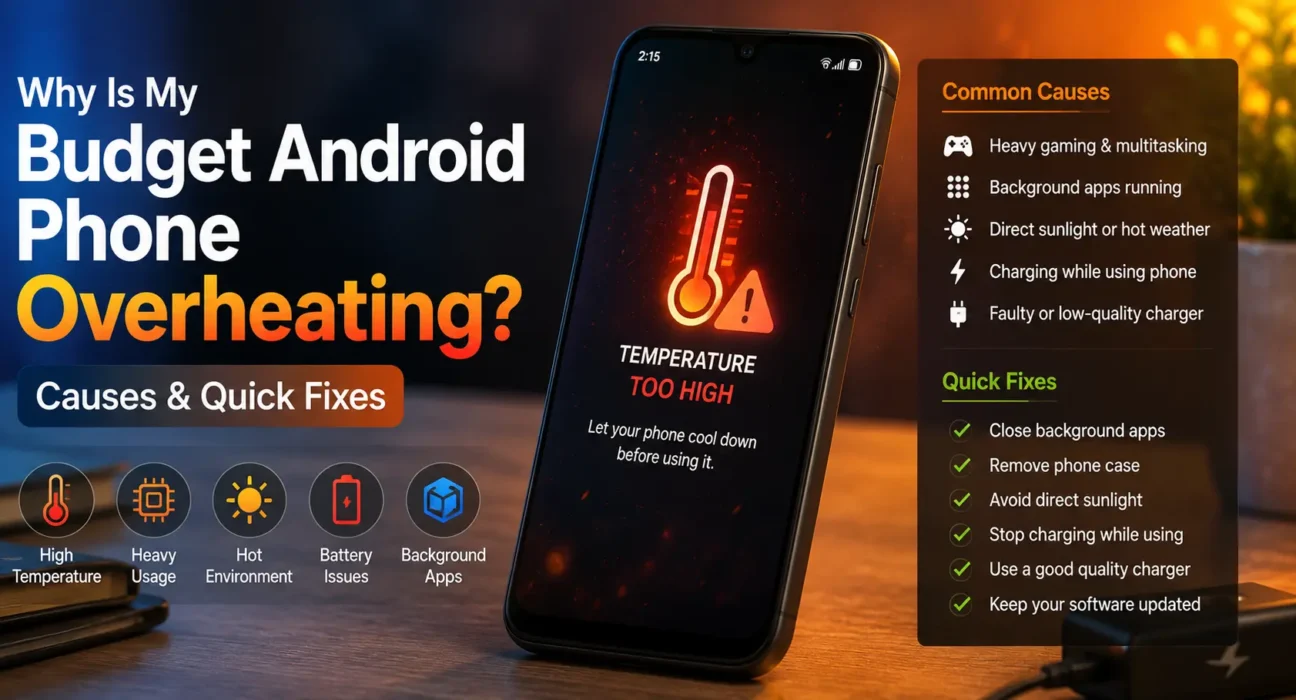
A budget Android phone getting warm during heavy gaming, GPS navigation, or long video calls is standard hardware behavior. However, experiencing a budget android phone overheating issue during everyday browsing or while sitting idle indicates an underlying software or hardware conflict. Affordable devices tend to heat up faster than flagships because they use entry-level System-on-Chip (SoC) processors, compact plastic frames, and simpler passive cooling systems that have less headroom to dissipate heat.
Is Your Phone’s Heat Normal or a Problem?
- Slightly warm during gaming, fast charging, or camera use: Normal operational heat. The processor is operating at maximum clock speeds and cools down once the task ends.
- Warm during light texting or web browsing: Points to background app wake locks, push sync loops, or poorly optimized software.
- Hot to the touch while idle or with the screen off: Indicates persistent background processes, active malware, or a degraded battery cell.
- Uncomfortably hot with rapid battery drain or performance throttling: Requires immediate attention. Thermal throttling will intentionally force system lag to protect internal silicon.
Common Causes of Budget Android Phone Overheating
1. High Processor Load & Background Wake Locks
When apps run continuously in the background, they hold CPU wake locks that prevent your processor from entering low-power sleep states. On budget chips, this continuous processing keeps the device warm. Check background usage in Settings > Battery > Battery Usage on your Android system.
2. High-Wattage Charging While Active
Modern budget phones often support 30W to 45W fast charging. Charging naturally generates chemical and electrical heat within the lithium-ion cell. Combining fast charging with heavy gaming or video streaming creates dual heat sources, causing severe thermal buildup.
3. Trapped Thermal Dissipation (Cases & Direct Sunlight)
Budget phones rely on passive heat dissipation through their outer chassis. Thick TPU or synthetic leather cases act as thermal insulators, trapping heat inside. Additionally, leaving your device in direct sunlight or inside a parked vehicle rapidly raises internal temperatures past safe thresholds.
4. Background Processes From Unoptimized Bloatware
Pre-installed carrier software and manufacturer bloatware frequently run unoptimized sync services in the background. If you are dealing with a budget android phone overheating unexpectedly, removing these unwanted background apps directly reduces processor workload. Follow our complete guide on removing bloatware without root to disable them safely.

5. Battery Degradation & Internal Resistance
As lithium-ion batteries age, their internal resistance increases. Higher internal resistance converts more chemical energy into wasted heat during discharge cycles. If your device gets hot while discharging quickly, consult Google Support or inspect battery health—our walkthrough on fixing fast battery drain on budget Android phones covers critical diagnostic signs.
7 Tested Fixes for Budget Android Phone Overheating
- Reboot the System: Restarting closes stuck background loops, clears system RAM, and resets CPU clock frequencies.
- Remove the Phone Case During Heavy Usage: Strip off thick protective covers when gaming or installing large software updates to allow natural air cooling.
- Disable Fast Charging or Avoid Using the Phone While Charging: Charge your device on a hard, flat surface and refrain from running heavy apps until unplugged.
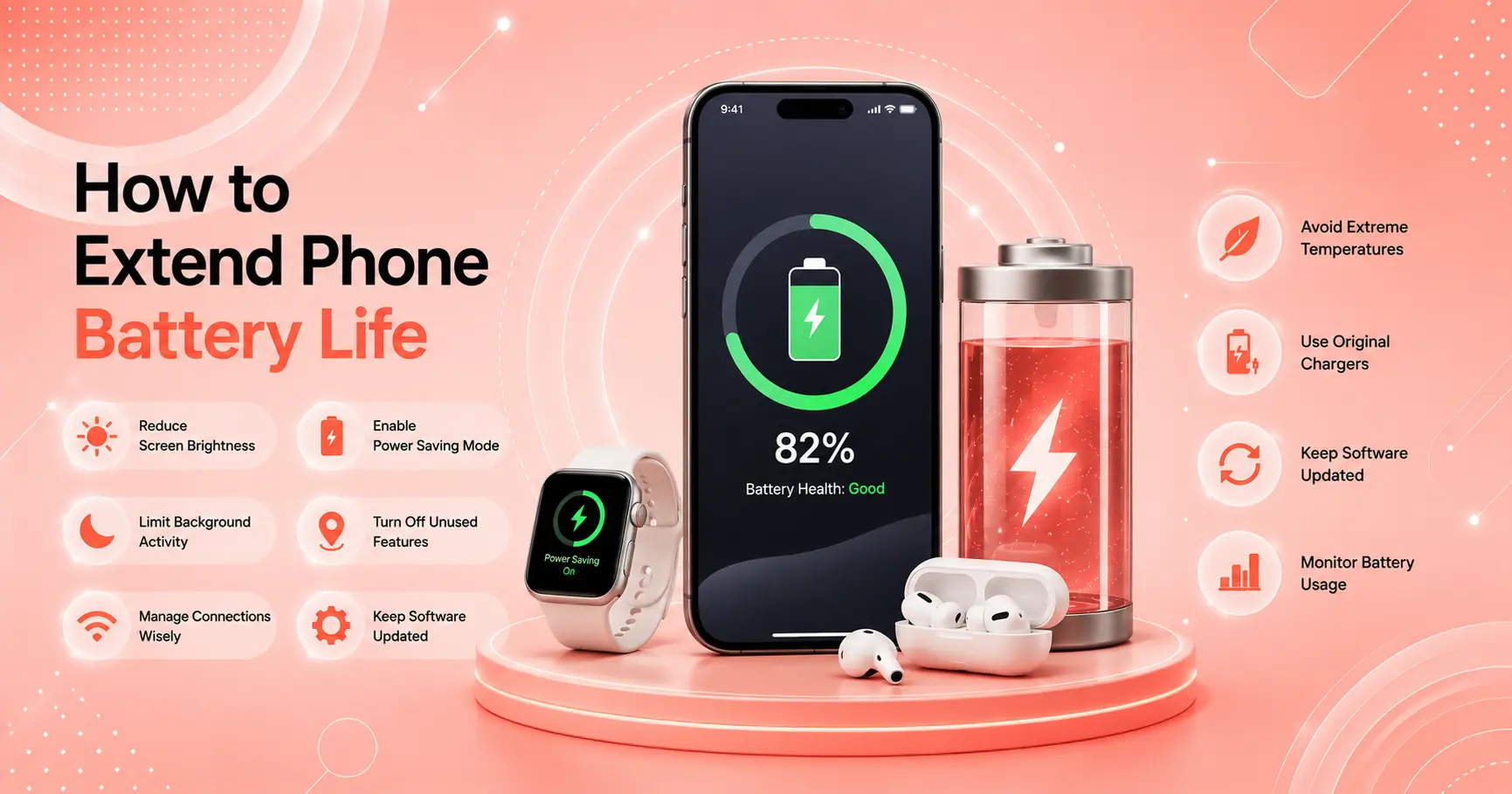
- Lower Screen Brightness & Enable Adaptive Brightness: The display panel is one of the highest power consumers; reducing brightness lowers panel heat significantly.
- Turn Off Unused Connectivity Features: Disable GPS Location, Bluetooth, and Wi-Fi Hotspot when not actively required.
- Limit Background Processing: Use Android’s built-in battery optimization settings to restrict background activity for non-essential apps.
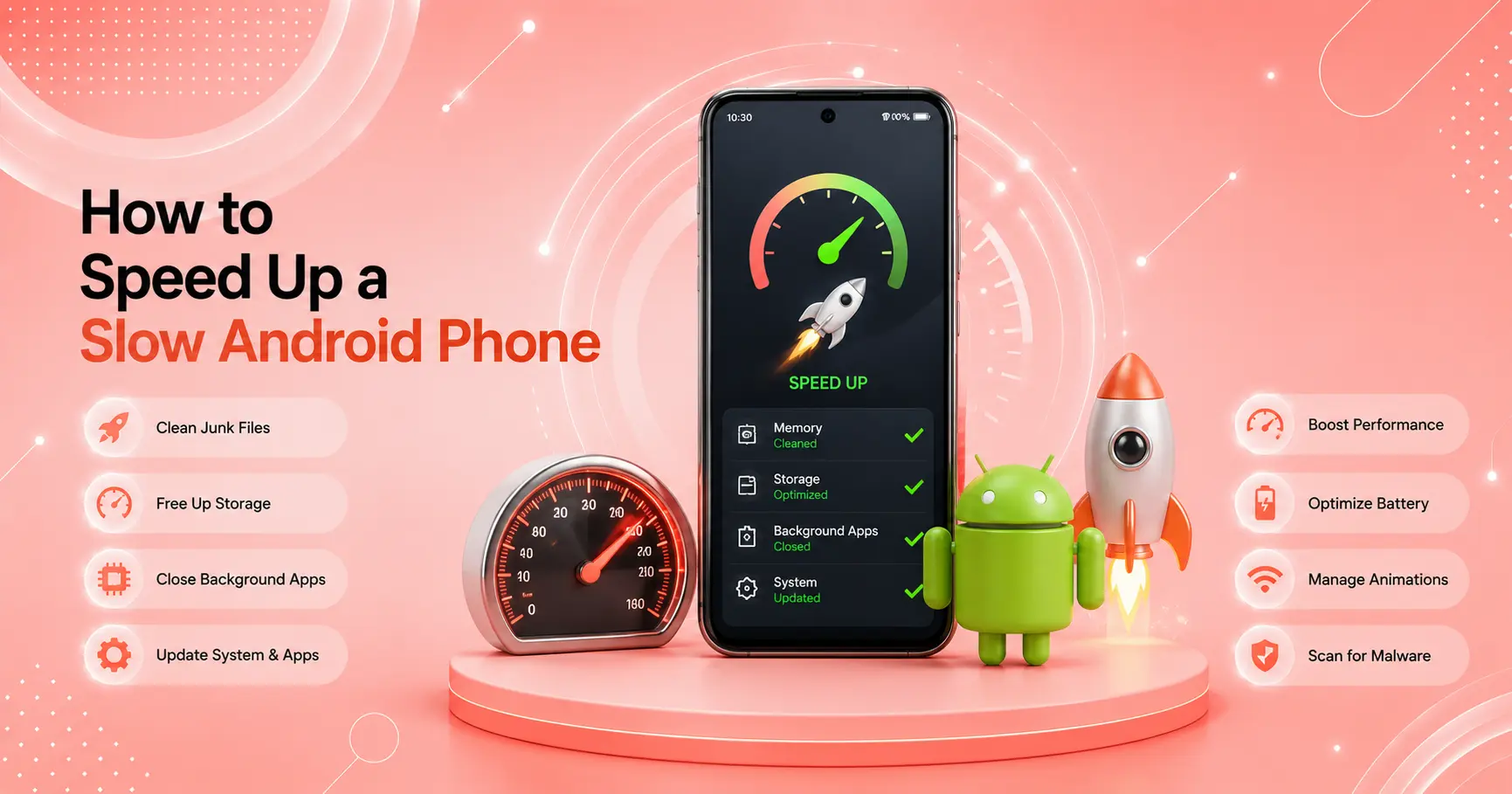
- Address System Stutter & Lag: Overheating often causes thermal throttling, which leads to UI stutter. Check our guide to fixing lag and stutter on budget Android phones to clear cached resources dragging down performance.
What Not to Do
- Never Place the Phone in a Fridge or Freezer: Rapid cooling creates condensation inside the sealed chassis, causing liquid damage and short-circuiting internal components.
- Do Not Ignore a Swollen Battery: If the back cover bulges or the screen lifts away from the frame, stop charging and using the device immediately.
- Do Not Rely on Third-Party “Cooling Master” Apps: Play Store cooling apps often run intrusive background ads that increase CPU usage, making thermal issues worse.
FAQ
Why is my budget android phone overheating during normal use?
Overheating during light tasks usually stems from unoptimized background apps holding CPU wake locks, heavy bloatware, or degraded battery cells generating heat.
Can a phone case cause a budget android phone overheating issue?
Yes. Thick silicone or plastic cases insulate the device, preventing heat from escaping through the rear casing during charging or processor-heavy tasks.
Is it normal for cheap Android phones to get hot while gaming?
Yes. Budget processors run near 100% capacity during 3D gaming, generating operational heat. It becomes a problem only if the phone triggers thermal shutdowns or remains hot long after gaming stops.
What should I do if my phone gets hot and the battery swells?
Power down the device immediately, do not plug it into a charger, and bring it to a certified repair technician. A swollen battery presents a chemical safety hazard.
Final Takeaway
Experiencing a budget android phone overheating condition during gaming or charging is often tied to physical thermal limitations, but everyday heat usually points to background software clutter or heavy cases. Disabling unnecessary background tasks, avoiding heavy use while charging, and managing screen brightness resolves most thermal issues quickly. For complete system maintenance tips, explore our Ultimate Buyer’s Guide to Budget Android Phones in 2026.
Related Guides: How to Fix Fast Battery Drain on Budget Android Phones · How to Remove Bloatware from Budget Android Phones Without Root · How to Fix Lag and Stutter on Budget Android Phones