
This guide reflects app testing across iPhone 16, Samsung Galaxy S25, and Google Pixel 9 running iOS 18 and Android 15. Every app category was evaluated based on real-world daily use, privacy practices, and cross-platform availability for US and Canadian users.
The average smartphone has 80+ installed apps. Most people use fewer than 10 regularly. The gap between what’s installed and what’s actually used is filled largely by apps that drain battery, consume storage, and collect data — often without adding value.
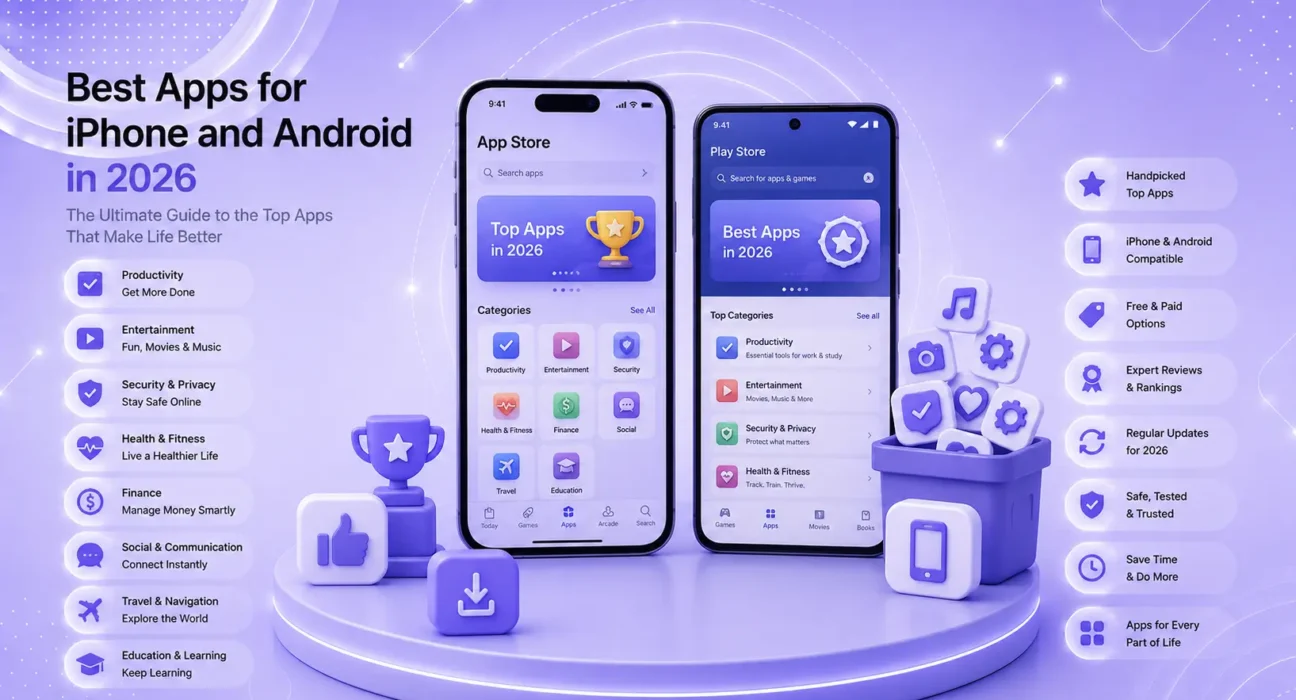
This is the complete guide to the best apps for iPhone and Android in 2026 — organized by category, covering what each app does well, what it costs, and which platform gets the better experience. Whether you’re setting up a new phone or auditing what’s already there, this guide covers the apps worth keeping and the categories worth investing in.
📋 Best Apps iPhone Android 2026 —What This Guide Covers
| Category | Best iPhone App | Best Android App | Jump To |
|---|---|---|---|
| VPN & Privacy | ExpressVPN | NordVPN | → Section 1 |
| Cloud Storage | iCloud Photos | Google Drive | → Section 2 |
| Parental Controls | Apple Screen Time | Bark | → Section 3 |
| Productivity | Notion | Notion | → Section 4 |
| Browser | Safari | Chrome / Brave | → Section 5 |
| Password Manager | 1Password | Bitwarden | → Section 6 |
| Navigation & Maps | Apple Maps | Google Maps | → Section 7 |
| Photo Editing | Lightroom | Snapseed | → Section 8 |
| Communication | iMessage / Signal | Signal | → Section 9 |
| Health & Fitness | Apple Health | Google Fit / Garmin | → Section 10 |
🔀 Quick Decision Box
New phone — what to install first?
              │
       ┌──────┴──────┐
    iPhone          Android
       │               │
       ▼               ▼
  1Password       1Password
  iCloud Photos   Google Drive
  Signal          Signal
  Brave           Brave
  Lightroom       Snapseed
  ExpressVPN      NordVPN
Section 1: VPN & Privacy Apps
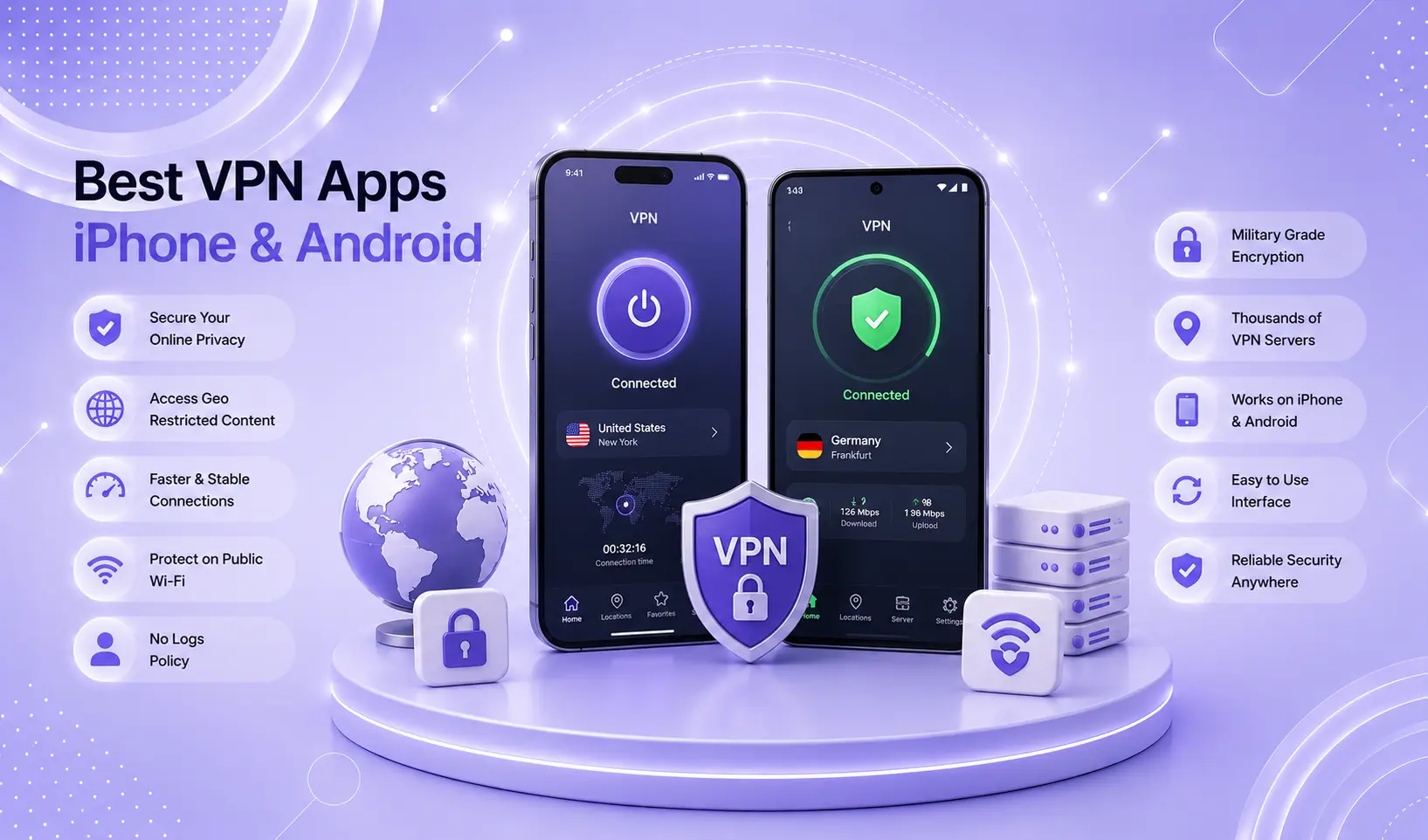
A VPN encrypts your internet traffic — essential on public WiFi, useful for privacy on home networks, and necessary for accessing region-restricted content.
Best VPN Apps — Quick Comparison
| App | Best For | Price | iOS + Android |
|---|---|---|---|
| ExpressVPN | Fastest speed | $6.67/mo | ✅ Both |
| NordVPN | Best privacy + price | $3.99/mo | ✅ Both |
| ProtonVPN | Best free option | Free/$4.99 | ✅ Both |
| Mullvad | Maximum anonymity | $5.50/mo | ✅ Both |
iPhone recommendation: ExpressVPN — its Lightway protocol reconnects instantly when switching between WiFi and cellular, which is essential for mobile use.
Android recommendation: NordVPN — the privacy features (Double VPN, Threat Protection) combined with $3.99/month pricing make it the best Android VPN value.
Free option: ProtonVPN’s free tier includes servers in 5 countries with no data cap — the most trustworthy free VPN available in 2026.
Per Apple’s App Store guidelines, VPN apps must disclose their data practices. Always verify that a VPN has a published, independently audited no-log policy before installing.
👉 Full comparison with speed test data: Best VPN Apps for iPhone and Android 2026
Section 2: Cloud Storage Apps
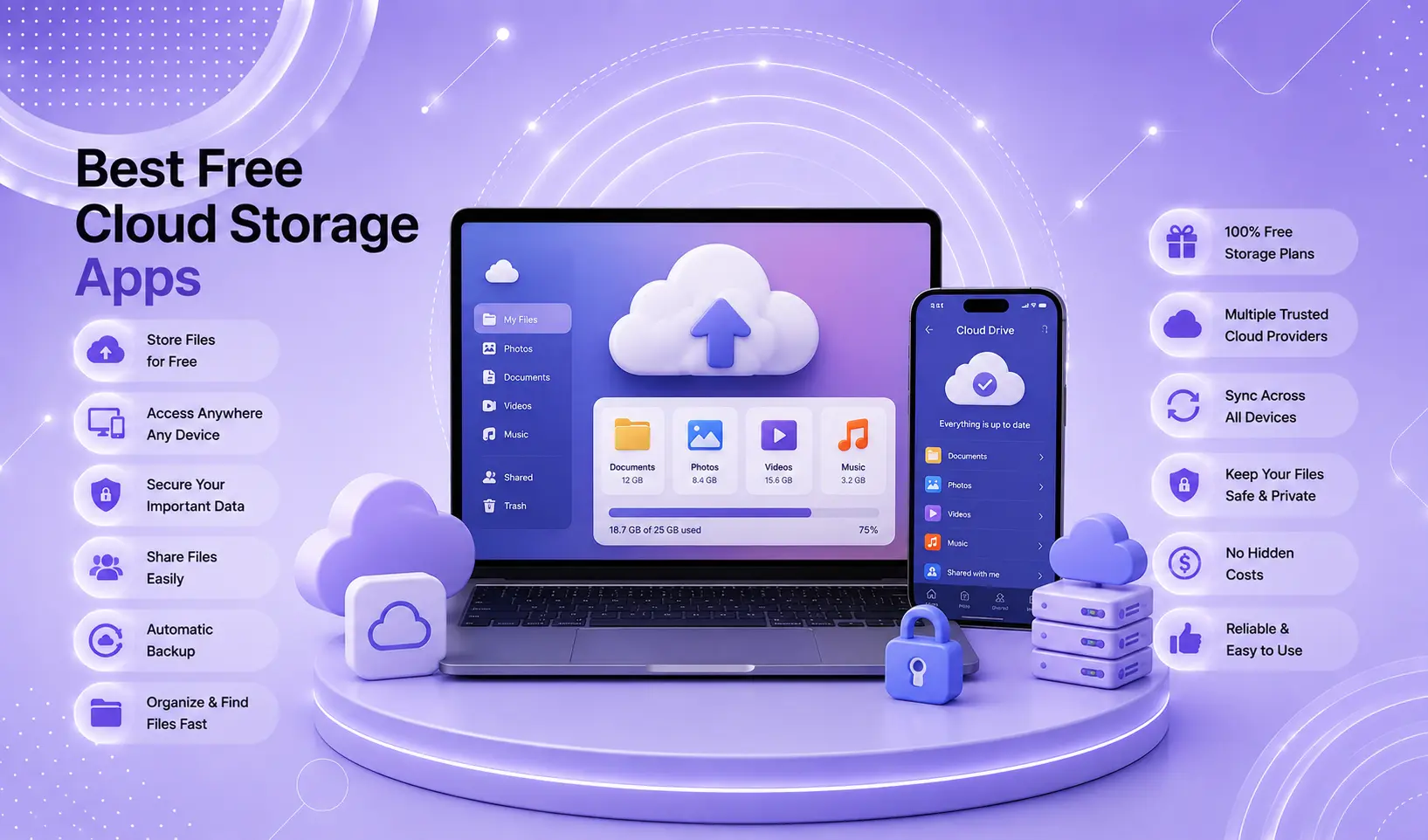
Cloud storage serves two functions: backing up your data so it’s never lost, and making files accessible across all your devices.
Best Cloud Storage — Quick Comparison
| Service | Free Storage | Best For |
|---|---|---|
| Google Drive | 15 GB | Android + cross-platform |
| iCloud Drive | 5 GB (+ $0.99/mo for 50 GB) | iPhone + Mac |
| OneDrive | 5 GB | Windows + Microsoft 365 |
| pCloud | 10 GB | Privacy-focused users |
| MEGA | 20 GB | Maximum free storage |
iPhone recommendation: iCloud Photos with Optimize Storage enabled — stores full-resolution photos in iCloud, keeps compressed previews locally. At $0.99/month for 50 GB, it’s the most practical storage investment for iPhone users. Combined with iCloud Drive for documents, this covers most storage needs.
Android recommendation: Google Drive (15 GB free) + Google Photos for automatic photo backup. The free tier is more generous than any competitor, and the integration with Google Docs makes it genuinely useful beyond storage.
The best setup for most users: Use the platform-native solution for photos (iCloud Photos for iPhone, Google Photos for Android) and Google Drive for documents regardless of platform — it’s cross-platform, has the most free storage, and the collaborative features are unmatched.
👉 Full comparison with upload speed data: Best Free Cloud Storage Apps 2026
Section 3: Parental Control Apps
Built-in parental controls (Screen Time on iOS, Family Link on Android) handle the basics — but dedicated apps provide deeper protection and better monitoring for older children.
Parental Controls — By Age Group
| Age | Recommended App | Why |
|---|---|---|
| 5–10 | Qustodio | Comprehensive blocking and monitoring |
| 10–13 | Qustodio or Bark | Transitioning from full control to oversight |
| 13–17 | Bark | AI-based alert system respects teen privacy while catching real risks |
| Built-in (free) | Apple Screen Time / Google Family Link | Basic control with no subscription |
Key principle: The FTC’s guide for parents emphasizes that technology complements — not replaces — ongoing conversations about online safety. Apps catch what they’re designed to catch; parental involvement addresses what apps miss.
👉 Full comparison with circumvention testing results: Best Parental Control Apps for iPhone and Android 2026
Section 4: Productivity Apps
The best productivity apps in 2026 share one characteristic: they get out of your way and let you work.
Best Productivity Apps for iPhone and Android
Notion — Best all-in-one workspace
- Free tier: unlimited personal use
- Platform: iOS, Android, Web, Mac, Windows
- Best for: note-taking, project management, databases, wikis
- Cross-platform: excellent — same experience everywhere
Obsidian — Best for personal knowledge management
- Free for personal use
- Platform: iOS, Android, Mac, Windows, Linux
- Best for: linked notes, markdown-based personal wiki
- Stores notes locally — full data ownership
Todoist — Best task manager
- Free tier: 5 active projects
- Platform: iOS, Android, Web, Mac, Windows
- Best for: personal task management with natural language input
- Integrates with Google Calendar and Slack
Microsoft 365 / Google Workspace — Best for office documents
- Microsoft 365: $6.99/month (includes 1 TB OneDrive)
- Google Workspace: Free (personal) / $6/user/month (business)
- Platform: Both available on iOS and Android
- Best for: collaborative document editing, enterprise workflows
iPhone vs Android difference: Microsoft 365 apps (Word, Excel, PowerPoint) are slightly better optimized for iOS, particularly on iPad. Google Workspace apps perform identically on both platforms.
Section 5: Browser Apps
The browser is the most-used app on most phones — and the choice significantly affects both battery life and privacy.
Best Browsers for iPhone and Android in 2026
Safari (iPhone) — Default, best for battery life
- Battery efficiency: best in class for iOS
- Privacy: Intelligent Tracking Prevention blocks cross-site trackers
- Limitation: iOS only, no Android version
- Best for: iPhone users who prioritize battery life and Apple ecosystem integration
Chrome — Best cross-platform consistency
- Available: iOS and Android
- Best for: users who switch between many devices and want consistent bookmarks, history, and extensions
- Privacy concern: Google syncs and analyzes browsing data for advertising
Brave — Best privacy-focused browser
- Available: iOS and Android (also Mac and Windows)
- Built-in ad blocker and tracker blocker
- No account required — completely anonymous use
- Brave Shields blocks ads by default — faster page loading than Chrome
- Best for: users who want privacy without VPN-level technical setup
Firefox — Best for extension power
- Available: iOS and Android
- Most extensive extension library on mobile
- uBlock Origin available on Android Firefox (not iOS Chrome/Brave)
Android recommendation: Brave for privacy-conscious users; Chrome for Google ecosystem integration. Firefox for extension users.
iPhone recommendation: Safari for battery life and Apple Pay integration; Brave for privacy-focused browsing.
Section 6: Password Manager Apps
A password manager is the single highest-impact security improvement most people can make. Reusing passwords across sites is the leading cause of account compromises.
Best Password Managers for iPhone and Android
1Password — Best overall
- Price: $2.99/month (individual), $4.99/month (family of 5)
- Platform: iOS, Android, Mac, Windows, browser extensions
- Features: password generation, secure notes, Travel Mode (hides sensitive vaults at border crossings), Watchtower (monitors for breached passwords)
- iPhone integration: AutoFill works seamlessly with Face ID
Bitwarden — Best free option
- Free tier: unlimited passwords across unlimited devices
- Open source — independently audited
- Platform: iOS, Android, all browsers, Mac, Windows
- Best for: users who want a trustworthy free password manager without feature limits
Apple Keychain (iPhone built-in)
- Free, built into iOS and macOS
- Stores passwords, passkeys, and credit cards
- AutoFills in Safari and apps automatically
- Limitation: Apple ecosystem only — limited on Windows and Android
- Best for: iPhone + Mac users who don’t need cross-platform access
Google Password Manager (Android built-in)
- Free, built into Chrome and Android
- Syncs across all Chrome instances
- AutoFills in Chrome and supported apps
- Best for: Android users heavily invested in the Google ecosystem
Security note: Per Google Play’s app review policies, password manager apps in the Play Store are subject to additional security review. Always choose apps with published, independent security audits — 1Password and Bitwarden both have them.
Section 7: Navigation & Maps Apps
Apple Maps (iPhone)
- Pre-installed, free
- Best integration with Siri, CarPlay, and Apple Watch
- Look Around (street view), indoor maps, EV charging routing
- Privacy: processes route calculation on-device, less data shared with Apple vs Google Maps + Google
- Limitation: less detailed business information than Google Maps in some Canadian cities
Google Maps (iOS + Android)
- Free
- Most comprehensive business listings, reviews, and real-time traffic data
- Best for: finding businesses, reading reviews, public transit directions in US and Canadian cities
- Live View AR navigation: works well in major cities
Waze (iOS + Android)
- Free (owned by Google)
- Best for: real-time community-reported traffic alerts, police locations, road hazards
- Best for driving — not useful for transit or walking
For Canadian users: Google Maps has the most complete data for Canadian cities including transit routes (TTC, STM, TransLink). Apple Maps has improved significantly in major Canadian cities but still has gaps in smaller cities.
Recommendation: Google Maps as primary (most complete data); Apple Maps as backup on iPhone for CarPlay and Siri integration.
Section 8: Photo Editing Apps
Adobe Lightroom Mobile (iOS + Android)
- Free tier: basic editing tools
- Premium: $4.99/month (includes Photoshop)
- Best for: photographers who want precise color control, masking, and presets
- Syncs edits across phone, tablet, and desktop Lightroom
Snapseed (iOS + Android)
- Free — made by Google
- Best free photo editor on mobile
- Selective adjustments, healing tool, perspective correction
- No subscription, no watermarks
VSCO (iOS + Android)
- Free basic / $29.99/year premium
- Best for: consistent aesthetic filtering across a photo library
- Film-emulation presets, community sharing
iPhone-specific: Photos app
- iOS 18’s Photos app includes excellent editing tools: Clean Up (AI object removal), Enhance, and adjustment sliders that rival third-party apps for casual editing
Recommendation: Snapseed for Android users who want a capable free editor. Lightroom Mobile for serious photographers on both platforms. VSCO for users who curate a consistent visual aesthetic.
Section 9: Communication Apps
Signal — Best privacy-focused messaging
- Free
- End-to-end encrypted by default — even Signal cannot read your messages
- Available: iOS, Android, Mac, Windows, Linux
- Best for: private communication, especially for sensitive conversations
iMessage — Best for iPhone-to-iPhone communication
- Built into iOS, free
- End-to-end encrypted between Apple devices
- Limitation: not available on Android; green bubbles in mixed groups
WhatsApp — Best for international communication
- Free (owned by Meta)
- End-to-end encrypted
- Used widely across US, Canada, Europe, Middle East, Latin America, and Africa — the most globally ubiquitous messaging app
- Limitation: metadata (who you talk to, when, how often) shared with Meta
Telegram — Best for groups and channels
- Free
- Large group support (up to 200,000 members), file sharing up to 2 GB
- Note: default chats are not end-to-end encrypted — must use “Secret Chat” for full encryption
For Canadian users: WhatsApp is used more widely in Canada than in the US, particularly in immigrant communities. Signal is the recommendation for maximum privacy. iMessage is dominant within Apple-using social circles.
Section 10: Health & Fitness Apps
Apple Health (iPhone built-in)
- Free
- Aggregates data from all health apps, Apple Watch, and third-party devices
- Medical records, medication tracking, mental health logging (iOS 17+)
- Privacy: health data stored on-device and encrypted in iCloud with end-to-end encryption
Google Fit (Android)
- Free
- Basic activity tracking, heart rate, sleep
- Integrates with Fitbit, Garmin, and Wear OS devices
Strava (iOS + Android)
- Free / $79.99/year premium
- Best for: runners, cyclists, and swimmers who want route tracking and community features
- Extensive GPS route logging, segment competition
MyFitnessPal (iOS + Android)
- Free / $19.99/month premium
- Best for: calorie and nutrition tracking
- Largest food database of any nutrition app — barcode scanning for packaged foods
Calm / Headspace — Best for mental wellness
- Calm: $69.99/year
- Headspace: $69.99/year
- Both offer guided meditation, sleep sounds, and breathing exercises
- Calm has a wider content library; Headspace is more structured for beginners
The Essential App Shortlist — First 10 to Install on Any New Phone
Whether you’re setting up an iPhone or Android, these are the 10 apps worth installing before anything else:
| Priority | App | iPhone | Android | Cost |
|---|---|---|---|---|
| 1 | Password Manager | 1Password | Bitwarden | Free/$2.99mo |
| 2 | Cloud Storage | iCloud Photos | Google Drive | Free |
| 3 | Private Browser | Brave | Brave | Free |
| 4 | Encrypted Messaging | Signal | Signal | Free |
| 5 | Navigation | Google Maps | Google Maps | Free |
| 6 | VPN | ProtonVPN | ProtonVPN | Free |
| 7 | Photo Editing | Snapseed | Snapseed | Free |
| 8 | Task Manager | Todoist | Todoist | Free |
| 9 | Note-taking | Notion | Notion | Free |
| 10 | Parental Controls | Screen Time (built-in) | Family Link (built-in) | Free |
Total cost to implement this list: $0. Every app above has a capable free tier.
Apps Worth Paying For in 2026
Not everything should be free. These paid apps deliver enough value to justify the cost:
| App | Cost | Why It’s Worth It |
|---|---|---|
| 1Password | $2.99/mo | Security + convenience of one password to rule all others |
| iCloud 50 GB | $0.99/mo | iPhone photo backup + device storage relief |
| ExpressVPN or NordVPN | $3.99–6.67/mo | Privacy on public WiFi |
| Lightroom Mobile | $4.99/mo | Professional photo editing on the go |
| Bark (families) | $99/year | AI-based child safety monitoring |
💡 WekyTech Tip
Before installing any new app, ask three questions: Does this app need the permissions it requests? (Check Settings → Privacy to review after installation.) Does it have a clear privacy policy? Does it offer what you need without requiring an account full of personal information? The FTC’s app safety guide recommends reviewing app permissions before and after installation — many apps request access to contacts, location, and microphone that they don’t need to function.
❓ FAQ — Best Apps for iPhone and Android 2026
Q: Are iPhone apps better than Android apps in 2026?
For most categories, the gap has largely closed. Major apps (Instagram, TikTok, Spotify, Netflix, Google Maps, Signal) are functionally equivalent on both platforms. iOS still gets some apps first, and the App Store’s stricter review process generally means fewer low-quality apps reach iPhone users. Android’s open ecosystem means more specialized apps and more free alternatives — particularly for privacy and customization tools.
Q: How many apps does the average person actually need?
Research consistently shows most smartphone users actively use 10–15 apps regularly. Beyond that, installed apps drain battery, consume storage, and represent privacy exposure from their background data collection. A regular “app audit” — deleting anything unused in the past 30 days — keeps phones running faster and more securely.
Q: Is it safe to use apps from the App Store or Play Store?
Safer than sideloading (installing apps from outside official stores), but not risk-free. Both stores conduct security reviews, but malicious apps do occasionally pass review. Red flags: apps with very few reviews asking for many permissions, apps with generic names imitating well-known apps, apps requesting permissions unrelated to their function.
Q: Which apps consume the most battery on phones?
Social media apps are consistently the top battery consumers — Facebook, Instagram, TikTok, and Snapchat all maintain background processes, location access, and push notifications continuously. If battery life is a concern, restrict background activity for social apps: iPhone: Settings → General → Background App Refresh → disable for social apps. Android: Settings → Battery → Background Usage Limits → restrict.
Q: What’s the difference between a free app and a freemium app?
Free apps have no cost and no paid upgrade. Freemium apps offer a free tier with limited features and a paid tier for full access. Most apps on this list are freemium — the free tier is genuinely usable, and the paid tier adds meaningful features without being required. Watch for “free” apps that are effectively useless without paying, or that monetize through aggressive data collection rather than subscription fees.
Q: Are Canadian apps different from US apps?
Most major apps work identically in the US and Canada. Key differences: some content libraries differ (Netflix Canada has different content than Netflix US), pricing is in CAD (often 15–30% higher due to exchange rates), and some financial apps are US-only (certain budgeting apps, fintech apps). Payment apps like Cash App are US-only; Canadians use Interac e-Transfer natively. Always check app availability in the Canadian App Store or Google Play Canada before recommending an app to a Canadian reader.
Q: How do I know if an app is trustworthy?
Five signals to check: (1) Developer reputation — is this a known company? (2) Review count and age — many recent reviews suggest genuine adoption. (3) Privacy policy exists and is readable — vague or missing policies are red flags. (4) Permissions requested make sense for the app’s function. (5) Independent coverage — has a reputable tech site reviewed it? Common Sense Media’s app reviews specifically evaluate privacy and content appropriateness.
Final Thoughts
The best apps for iPhone and Android in 2026 are the ones you actually use — and that serve your needs without collecting more data than necessary. A phone with 10 excellent apps runs better, lasts longer on a charge, and represents less privacy exposure than a phone with 80 apps, most of which run silently in the background.
Use this guide to build your essential app list, audit what’s already installed, and replace apps that don’t meet the standard of genuinely earning their place on your phone.
Bookmark this page — we update it with every major iOS and Android release and whenever significant apps change their pricing or privacy practices.
👉 Detailed guides for specific app categories:
About the Author
[Raouf Osman] is a senior tech writer at WekyTech covering mobile apps, digital privacy, and smartphone optimization for readers across the US and Canada. He/she evaluates apps based on real-world daily use, published privacy policies, and independent security audits — and updates recommendations whenever significant changes occur.