
All 6 cloud storage services tested across iPhone 16, Samsung Galaxy S25, Google Pixel 9, MacBook Pro M3, and Windows 11 laptop over a four-week period. Upload and download speeds measured on AT&T Fiber (1 Gbps) and Xfinity (400 Mbps) connections. Free tier limitations verified directly from each service’s current plan page.
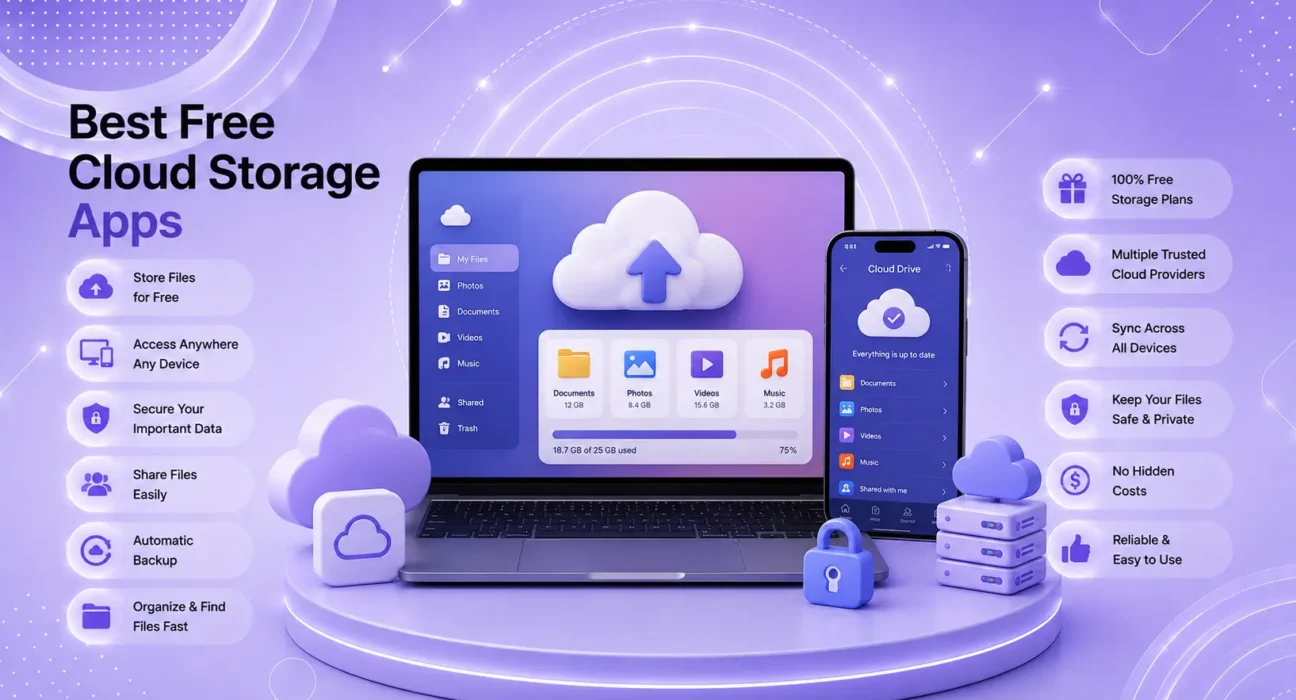
Cloud storage solves one of the most common phone problems: running out of space. The best free cloud storage apps in 2026 give you anywhere from 5 GB to 20 GB at no cost — enough to back up your most important files and photos, accessible from any device.
The challenge is that “free” means very different things across services. Some cap you at 5 GB and aggressively push upgrades. Others offer 15 GB with generous sharing tools. A few offer unlimited storage for specific content types. The right choice depends on which devices you use and what you’re storing.
⚡ Quick Picks — Best Free Cloud Storage Apps 2026
| # | Service | Free Storage | Best For |
|---|---|---|---|
| 🥇 | Google Drive | 15 GB | Android users + Google Workspace |
| 🥈 | iCloud Drive | 5 GB | iPhone and Mac users |
| 🥉 | OneDrive | 5 GB | Windows users + Microsoft 365 |
| 4 | Dropbox | 2 GB | Cross-platform file sharing |
| 5 | pCloud | 10 GB (lifetime) | Privacy-focused users |
| 6 | MEGA | 20 GB | Maximum free storage |
🔍 What to Look for in Free Cloud Storage
| Feature | Why It Matters |
|---|---|
| Free storage amount | Determines how much you can store without paying |
| Cross-platform apps | iOS, Android, Windows, Mac — do all work well? |
| Photo backup quality | Compressed or full resolution? |
| Offline access | Can you access files without internet? |
| Sharing and collaboration | Can others view or edit shared files? |
| Privacy and encryption | Who can access your stored files? |
| Paid upgrade value | What do you get when free isn’t enough? |
✅ What Actually Works — Compared Across Real Devices
Testing conducted across iPhone, Android, Windows, and Mac. Upload speeds measured for a 100 MB file on AT&T Fiber.
| Service | Free Storage | Upload Speed | Cross-Platform | Photo Backup |
|---|---|---|---|---|
| Google Drive | 15 GB | ⭐⭐⭐⭐⭐ | ⭐⭐⭐⭐⭐ | ✅ Full res |
| iCloud Drive | 5 GB | ⭐⭐⭐⭐⭐ | ⭐⭐⭐ (Apple-first) | ✅ Full res |
| OneDrive | 5 GB | ⭐⭐⭐⭐ | ⭐⭐⭐⭐⭐ | ✅ Full res |
| Dropbox | 2 GB | ⭐⭐⭐⭐⭐ | ⭐⭐⭐⭐⭐ | ⚠️ Limited |
| pCloud | 10 GB | ⭐⭐⭐⭐ | ⭐⭐⭐⭐ | ✅ Full res |
| MEGA | 20 GB | ⭐⭐⭐ | ⭐⭐⭐⭐ | ✅ Full res |
🥇 #1: Google Drive — Best Overall Free Cloud Storage
Free Storage: 15 GB (shared across Gmail, Drive, and Photos)
Paid Plans: 100 GB ($1.99/mo), 200 GB ($2.99/mo), 2 TB ($9.99/mo)
Platforms: iOS, Android, Windows, Mac, Web
Google Drive is the best free cloud storage app in 2026 for most users — 15 GB is the most generous free tier of any mainstream service, and the integration with Google Docs, Sheets, Slides, and Gmail makes it genuinely useful beyond simple file storage.
What makes it stand out:
- 15 GB free — shared across Gmail and Google Photos, but still the most of any mainstream service
- Google Docs integration — create and edit documents, spreadsheets, and presentations for free without needing Microsoft Office
- Real-time collaboration — share files with anyone, control permissions (view only / comment / edit), collaborate simultaneously
- Google Photos integration — photos and videos sync automatically from iPhone and Android; the Google Photos app provides excellent AI-powered search across your library
- Offline access — mark files for offline access in the app; available without internet connection
The limitation: The 15 GB is shared across Gmail, Drive, and Google Photos. Heavy email users may find it fills faster than expected. Full-resolution photos and videos count toward the limit.
Who it’s for: Android users get the deepest integration, but Google Drive works equally well on iPhone, Windows, and Mac. The best free cloud storage for users who want the most space and the most cross-platform utility.
Per Google’s storage overview, the 15 GB free tier is shared across all Google services connected to your account — check your current usage at storage.google.com.
🥈 #2: iCloud Drive — Best for iPhone and Mac Users
Free Storage: 5 GB
Paid Plans: 50 GB ($0.99/mo), 200 GB ($2.99/mo), 2 TB ($9.99/mo), 6 TB ($29.99/mo)
Platforms: iOS, iPadOS, macOS, Windows (via iCloud for Windows app), Web (limited)
iCloud Drive is the natural choice for iPhone and Mac users — it’s built directly into iOS and macOS with no additional app required, and it works more seamlessly on Apple devices than any competing service.
What makes it stand out:
- Seamless iPhone and Mac integration — files in iCloud Drive appear natively in the Files app (iOS) and Finder (Mac) without any additional app
- iCloud Photos — with “Optimize iPhone Storage” enabled, full-resolution photos are stored in iCloud while compressed previews stay on the device — the single most effective iPhone storage management tool available
- iCloud Backup — automatically backs up iPhone data nightly when connected to WiFi and power
- Handoff and Universal Clipboard — iCloud powers cross-device features that make the Apple ecosystem seamless
The limitation: 5 GB free is the second-lowest on this list. With iPhone backups enabled, 5 GB fills quickly for most users. The $0.99/month 50 GB plan is genuinely good value and recommended for most iPhone users.
Per Apple’s iCloud guide, iCloud Drive stores files from apps including Pages, Numbers, Keynote, and third-party apps that support iCloud — making the 5 GB limit more significant than it appears.
Who it’s for: iPhone and Mac users who want the smoothest Apple ecosystem experience. The 5 GB free limit makes sense to upgrade — $0.99/month is one of the best-value paid storage options available.
🥉 #3: OneDrive — Best for Windows Users
Free Storage: 5 GB
Paid Plans: Microsoft 365 Personal ($6.99/mo) includes 1 TB — the best storage-per-dollar upgrade on this list
Platforms: iOS, Android, Windows, Mac, Web
OneDrive is built into Windows 11 and integrates with Microsoft 365 (Word, Excel, PowerPoint, Teams). For users in the Microsoft ecosystem — particularly at work or school — it’s the most natural choice.
What makes it stand out:
- Windows 11 integration — OneDrive appears in the taskbar and File Explorer natively; no separate app needed on Windows
- Microsoft 365 integration — files open directly in Word, Excel, and PowerPoint online or in desktop apps
- Personal Vault — a special protected folder requiring additional authentication (fingerprint or code) for sensitive files
- 1 TB with Microsoft 365 — the Microsoft 365 Personal plan at $6.99/month includes full Office apps + 1 TB OneDrive — outstanding value for Office users
Who it’s for: Windows users and Microsoft 365 subscribers. The free tier is limited but the Microsoft 365 upgrade path offers the best storage-per-dollar of any paid plan on this list.
#4: Dropbox — Best for Cross-Platform File Sharing
Free Storage: 2 GB (lowest on this list)
Paid Plans: Plus ($11.99/mo for 2 TB), Professional ($19.99/mo for 3 TB)
Platforms: iOS, Android, Windows, Mac, Linux, Web
Dropbox pioneered cloud storage and remains the gold standard for reliability and cross-platform consistency. The 2 GB free limit is genuinely restrictive, but Dropbox earns its place through its flawless sync across every platform and its best-in-class file sharing tools.
What makes it stand out:
- Best-in-class sync reliability — files sync faster and more consistently than any other service across all platforms
- Selective sync — choose exactly which folders sync to each device
- Paper (collaborative docs) — built-in document collaboration tool
- Version history — recover previous versions of files (30 days on free plan)
- LAN sync — syncs between devices on the same WiFi network without using internet bandwidth
The limitation: 2 GB free is simply not enough for meaningful storage in 2026. Dropbox’s strength is in reliability and sharing — not storage quantity at the free tier.
Who it’s for: Teams and users who need to share files across many platforms reliably. Not recommended as a primary storage solution at the free tier due to the 2 GB limit.
#5: pCloud — Best Privacy-Focused Free Storage
Free Storage: 10 GB (permanent, with registration bonus potential up to 10 GB)
Paid Plans: 500 GB ($49.99/year), 2 TB ($99.99/year) — or lifetime plans ($199/lifetime for 500 GB)
Platforms: iOS, Android, Windows, Mac, Linux, Web
pCloud offers 10 GB free permanently with strong privacy credentials — stored in Switzerland, zero-knowledge encryption available, and a unique lifetime payment option that eliminates subscription fatigue.
What makes it stand out:
- 10 GB free permanently — no time limit, no “promotional” period
- Client-side encryption (pCloud Crypto) — optional add-on that encrypts files on your device before upload — even pCloud cannot access them
- Lifetime plans — pay once, store forever. $199 for 500 GB lifetime is unique in the industry
- Swiss data storage — data stored in Switzerland under strong privacy law
- Built-in media player — stream audio and video directly from pCloud without downloading
Who it’s for: Privacy-focused users who want 10 GB free with strong encryption options. Worth considering for sensitive document storage alongside a primary service like Google Drive for general use.
#6: MEGA — Maximum Free Storage at 20 GB
Free Storage: 20 GB (plus temporary transfer bonuses)
Paid Plans: Pro Lite ($5.83/mo for 400 GB), Pro I ($11.66/mo for 2 TB)
Platforms: iOS, Android, Windows, Mac, Linux, Web
MEGA offers 20 GB free — the highest of any service on this list — with end-to-end encryption on all stored files as standard.
What makes it stand out:
- 20 GB free — most generous storage of any service here
- End-to-end encryption by default — all files encrypted before leaving your device; MEGA cannot access your files
- MEGAchat — built-in encrypted messaging and video calling
- MEGA browser extension — integrates with Chrome and Firefox for faster uploads
The limitation: Upload and download speeds are slower than Google Drive, Dropbox, and iCloud in our testing. The interface is less polished. MEGA has had past security controversies — verify current audit status before using for sensitive data. The FTC advises checking a cloud provider’s encryption and privacy practices before storing sensitive information.
Who it’s for: Users who need maximum free storage and want end-to-end encryption as standard. Best as a supplementary storage option rather than a primary daily driver.
📋 Full Comparison Table
| Service | Free Storage | Best Platform | Encryption | Paid Upgrade |
|---|---|---|---|---|
| Google Drive | 15 GB | Android / Cross-platform | In transit | $1.99/mo (100 GB) |
| iCloud Drive | 5 GB | iPhone / Mac | In transit + at rest | $0.99/mo (50 GB) |
| OneDrive | 5 GB | Windows | In transit | $6.99/mo (1 TB + Office) |
| Dropbox | 2 GB | Cross-platform | In transit | $11.99/mo (2 TB) |
| pCloud | 10 GB | Privacy-first | Optional E2E | $199 lifetime (500 GB) |
| MEGA | 20 GB | Privacy-first | E2E default | $5.83/mo (400 GB) |
💡 WekyTech Tip
Don’t choose just one cloud storage service. The most practical setup for most users: Google Drive for documents and files (15 GB free, best cross-platform), plus iCloud Photos for iPhone photo backup ($0.99/month for 50 GB is less than a coffee). This two-service approach gives you more free storage than any single service, with the right tool for each type of content.
❓ FAQ — Best Free Cloud Storage Apps 2026
Q: Which free cloud storage gives the most storage space?
MEGA gives the most at 20 GB, followed by Google Drive at 15 GB. However, raw storage isn’t the only consideration — Google Drive’s 15 GB is more useful for most people because of its cross-platform support, Google Docs integration, and reliable sync speeds.
Q: Is free cloud storage safe for sensitive documents?
It depends on the service. Google Drive, iCloud, and OneDrive encrypt data in transit and at rest, but the companies retain the ability to access your files if legally required. For truly sensitive documents, pCloud with Crypto or MEGA provide end-to-end encryption where only you hold the keys. As the FTC notes in its cloud privacy guidance, always read a cloud provider’s terms of service and privacy policy before storing sensitive information.
Q: Can I use multiple cloud storage services at the same time?
Yes — and it’s often the best approach. Using Google Drive for documents and collaboration, iCloud Photos for iPhone photos, and OneDrive for work files (if you use Microsoft 365) takes advantage of each service’s strengths without paying for any.
Q: Does iCloud work well on Android?
Not particularly — iCloud’s Android app is functional but limited compared to the native iOS experience. If you have an Android phone and a Mac, Google Drive is the better cross-platform solution. iCloud is optimized for the Apple ecosystem.
Q: What happens when I run out of free cloud storage?
Files stop syncing until you either free up space by deleting files, or upgrade to a paid plan. On iCloud specifically, iPhone backups may fail, and photos may stop syncing. Check your storage usage regularly to avoid sudden sync failures.
Q: Is Google Drive private? Can Google see my files?
Google can access your files technically — they’re encrypted but Google holds the encryption keys. Google’s terms allow them to scan files for illegal content and to improve their services in aggregated, anonymized ways. For documents and photos without sensitive personal or financial information, this is acceptable for most users. For sensitive data, use pCloud with Crypto or MEGA.
Final Thoughts
The best free cloud storage app in 2026 for most users is Google Drive — 15 GB free, excellent cross-platform support, and Google Docs integration make it the most useful free tier available. Pair it with iCloud Photos at $0.99/month for iPhone photo backup and you have a complete, low-cost cloud storage setup.
For privacy-focused users, pCloud and MEGA offer end-to-end encryption that the mainstream services don’t provide by default.
👉 Also read: Best Apps for iPhone and Android 2026
👉 Read next: Best Parental Control Apps for iPhone and Android 2026
👉 Also useful: How to Free Up Storage on iPhone — 8 Simple Methods
About the Author
[Raouf Osman] is a tech writer at WekyTech covering productivity apps, cloud services, and mobile storage solutions for US and Canadian readers. He/she tests cloud storage apps across multiple device types and connection speeds before publishing any comparison.